Blog Details
- Home
- Blog Details


A law firm can receive enquiries through its website, phone calls, referrals, WhatsApp, email and advertising campaigns. The challenge is making sure every genuine enquiry is recorded, assigned and followed up without relying on individual memory.
That is why choosing the best client management software should begin with the firm's actual workflow. A useful system should make it easy to see who contacted the firm, what they need, who is responsible for the next step and whether the inquiry has progressed.
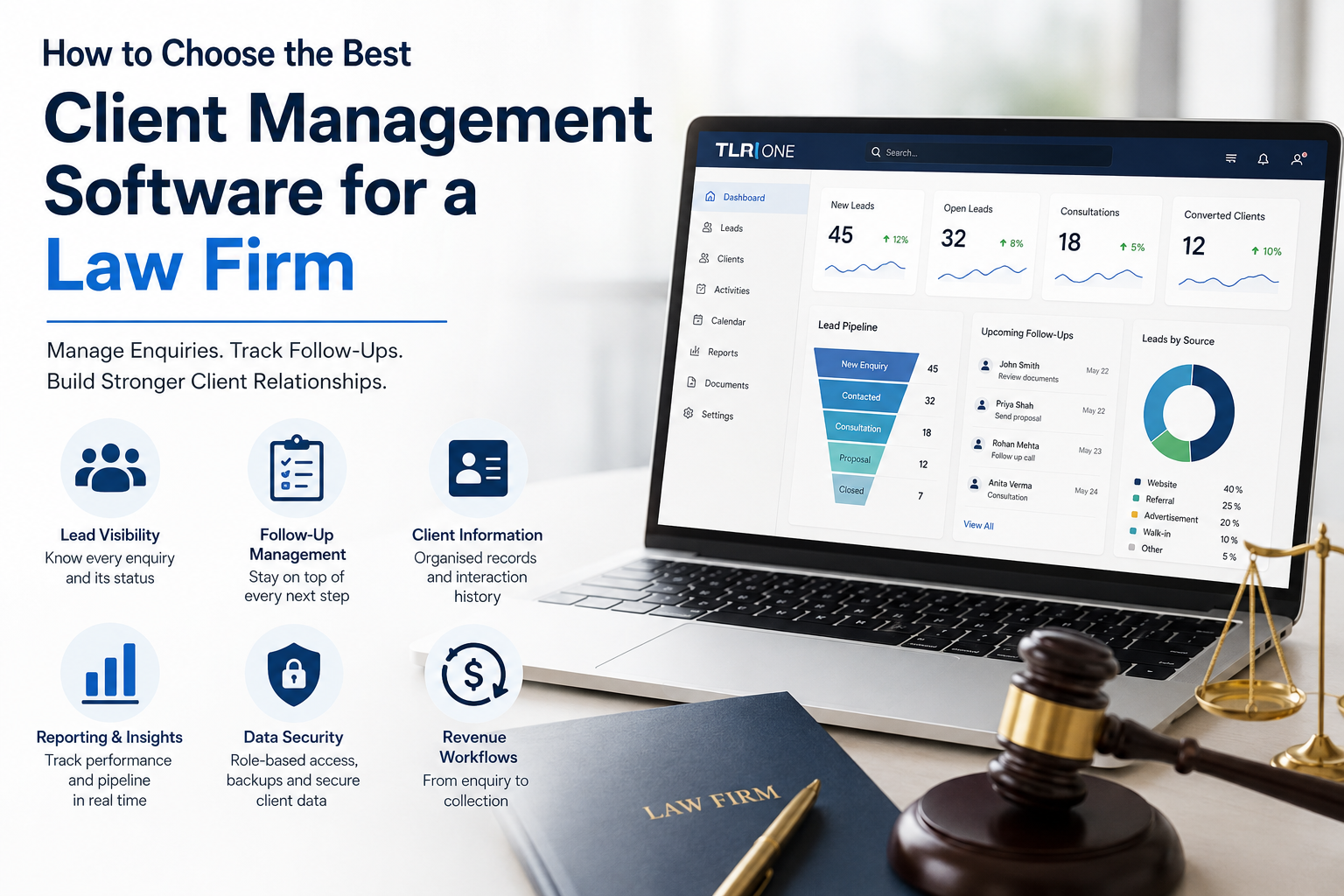
Good lead management tools should give every new enquiry a clear place in the system. When enquiries are left across inboxes, spreadsheets and personal phones, managers may struggle to see which prospects are active and which have gone quiet. A central record creates visibility from the first contact.
For a law firm, that visibility also supports accountability. A lead should have an owner, a status and a next action. Managers should be able to see whether a consultation has been scheduled, whether a follow-up is pending and how the enquiry is moving through the pipeline. This is one reason firms consider CRM management software instead of separate manual trackers.
A prospective client may not instruct a law firm after the first conversation. They may need time to collect documents, obtain internal approval or compare their options. Without a reliable follow-up process, an otherwise strong enquiry can simply disappear from view.
The best client management software should make pending actions easy to identify. It should show the team what needs attention and who is responsible for it. This does not mean replacing professional judgment with automated messages. It means giving lawyers, business development teams and administrators a clearer system for managing the next step.
Once an enquiry becomes a client, the quality of the record matters more. Teams need an organised view of contact details, previous interactions, current status and relevant follow-ups. Staff should not have to reconstruct the history of a client by searching through several inboxes or asking colleagues what happened.
This is where CRM tools for customer service become useful. A clear client history makes handovers easier and reduces the chance that a client has to repeat the same information to different members of the team. For a professional services firm, that can support more consistent communication without making it feel impersonal.
A CRM should give management useful answers, not reports for the sake of reporting. A firm may want to know how many enquiries are open, where leads are coming from, which stages are slowing down and whether follow-ups are being completed. That information can reveal where the process needs attention.
Law firms should also ask vendors how access permissions, client data, backups and account security are handled. These questions should be checked before purchase rather than assumed from marketing material. The best system is not only one that is convenient to use. It also has to fit the firm's internal responsibilities for handling sensitive information.
TLR One is designed around lead, client and revenue workflows for businesses and firms. Its CRM solution brings lead and client records, follow-ups and sales activity into a structured system, while the wider platform also includes solutions for enquiry generation and overdue payment tracking. This makes it relevant to firms that want clearer visibility across more than one part of the client journey.
Before selecting any system, a law firm should map its current process and identify where information is being lost or delayed. The right CRM management software should address those gaps and give the team greater control over every stage of the client journey. For firms looking to manage enquiries, follow-ups and client activity in one place, TLR One offers a more structured way to keep the entire process moving.
CRM management software is used to organise enquiries, contacts, follow-ups and client-related activity. For law firms, it gives the team a clearer view of prospects and ongoing client communication.
Look for clear lead ownership, follow-up tracking, organised client records, useful reporting, appropriate data controls and a system your team can use consistently.
They can reduce the risk by placing enquiries in a central system and making ownership and next actions visible. Staff still need to use the system consistently.
Yes. A CRM can keep contact history, follow-ups and client status organised, making internal handovers and ongoing communication easier to manage.
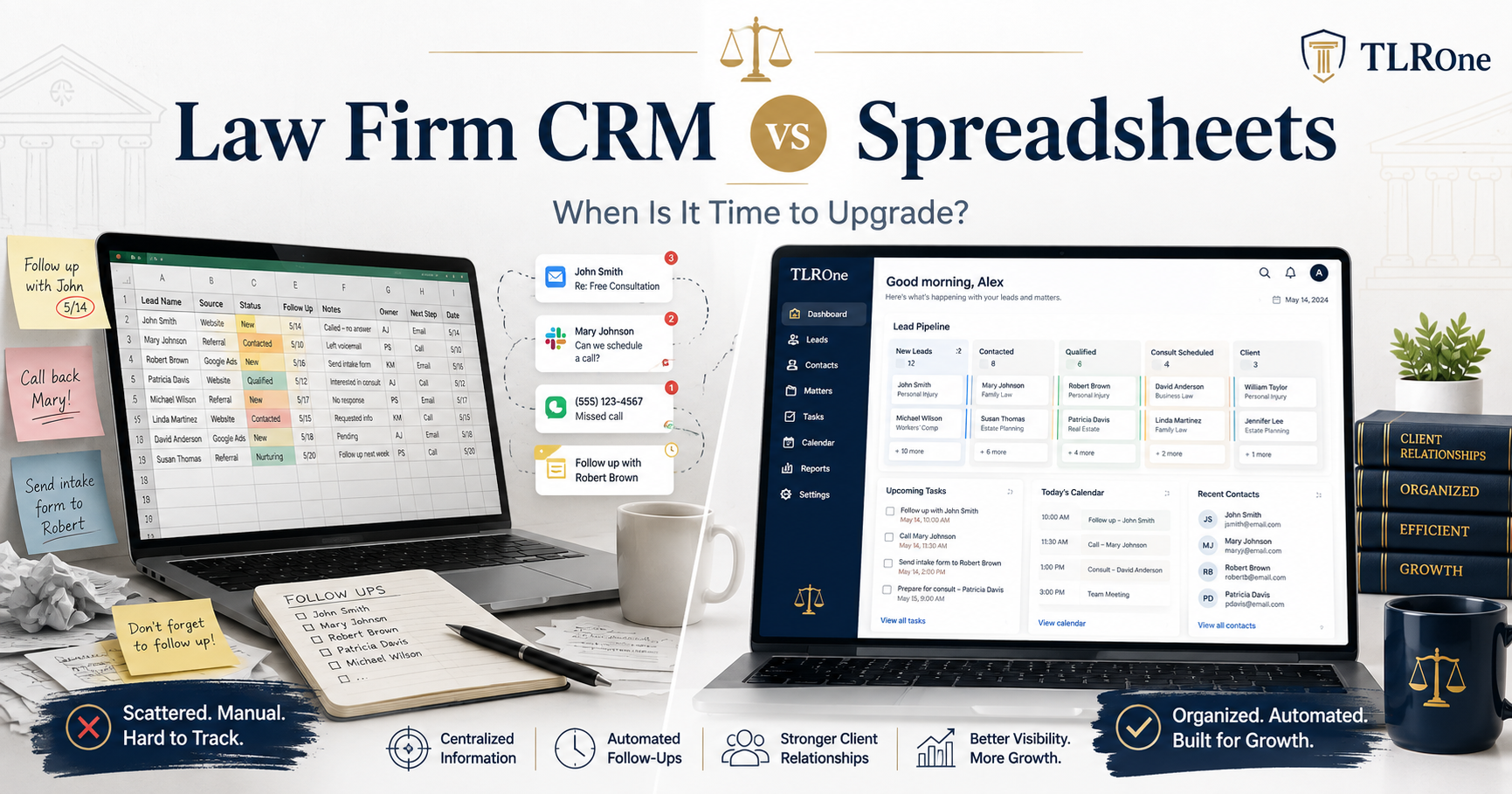
A spreadsheet can work for a small, simple process. As enquiry volume, team size and follow-up requirements increase, a dedicated CRM can provide stronger visibility and accountability.
Compare TLR One with the firm's current enquiry and client-management process, identify the gaps that need attention and request a demonstration to see how the system fits those requirements.